Built for under-resourced classrooms · browser-based · WCAG 2.1 AA

Tools for the children a teacher cannot reach alone.

Some of them cannot speak yet. Some find it hard to sit still. And many are simply behind, because their school never had the resources it needed. BloomBridge gives them talk boards, strengths-first observations, and family reports — all on the phones teachers already carry, and printed onto paper wherever devices don't reach.

Why we built BloomBridge: so cost is never the reason a child goes unheard. Schools that cannot pay are supported by donations and grants; those that can help sustain it for those who can't.

Three minutes · no signup · nothing to install

TALK BOARD — STUDENT VIEW
The real product — in the live page every tile speaks
THE GAP, IN VERIFIED NUMBERS

We don't have numbers of our own yet,
but the world's already speak clearly enough.

42%

Children with disabilities are less likely to have foundational reading and numeracy skills than children without.

UNICEF — Seen, Counted, Included (2021)
~70%

Of 10-year-olds in low- and middle-income countries cannot read and understand a simple text.

World Bank — Learning Poverty
Unknown

Autism prevalence in many low- and middle-income countries — assessment rarely reaches these classrooms at all.

WHO — Autism spectrum disorders
~2 in 3

School-age children worldwide — about 1.3 billion, ages 3–17 — have no internet access at home.

UNICEF & ITU (2020)
Most of those children have no disability at all. They were simply never given the chance, and they are the largest group BloomBridge is built for. Children with disabilities are in the same room, using the same tools.
See the proof
WHY WE EXIST

The law promised every child a place.

Inclusion is written into education plans almost everywhere. What rarely arrives is the tooling. Every class has a few children a teacher cannot reach alone: some who cannot speak yet, some who speak well but need the day to be predictable, some who cannot sit still, some who see or hear differently — and many who are simply behind because the school never had the resources. That last group is the largest.

BloomBridge is that missing layer: a talk board, a picture schedule and a calm corner, a strengths journal, and a family report — running in the browser, speaking the family's language, and printing to paper where devices don't reach.

And the gap is widening: learning and public services are moving online everywhere, while the families who need them most have the least digital access and literacy. Our answer is a tool that works on the cheapest phone in the room, teaches through pictures and audio before reading — and walks out the door on paper.
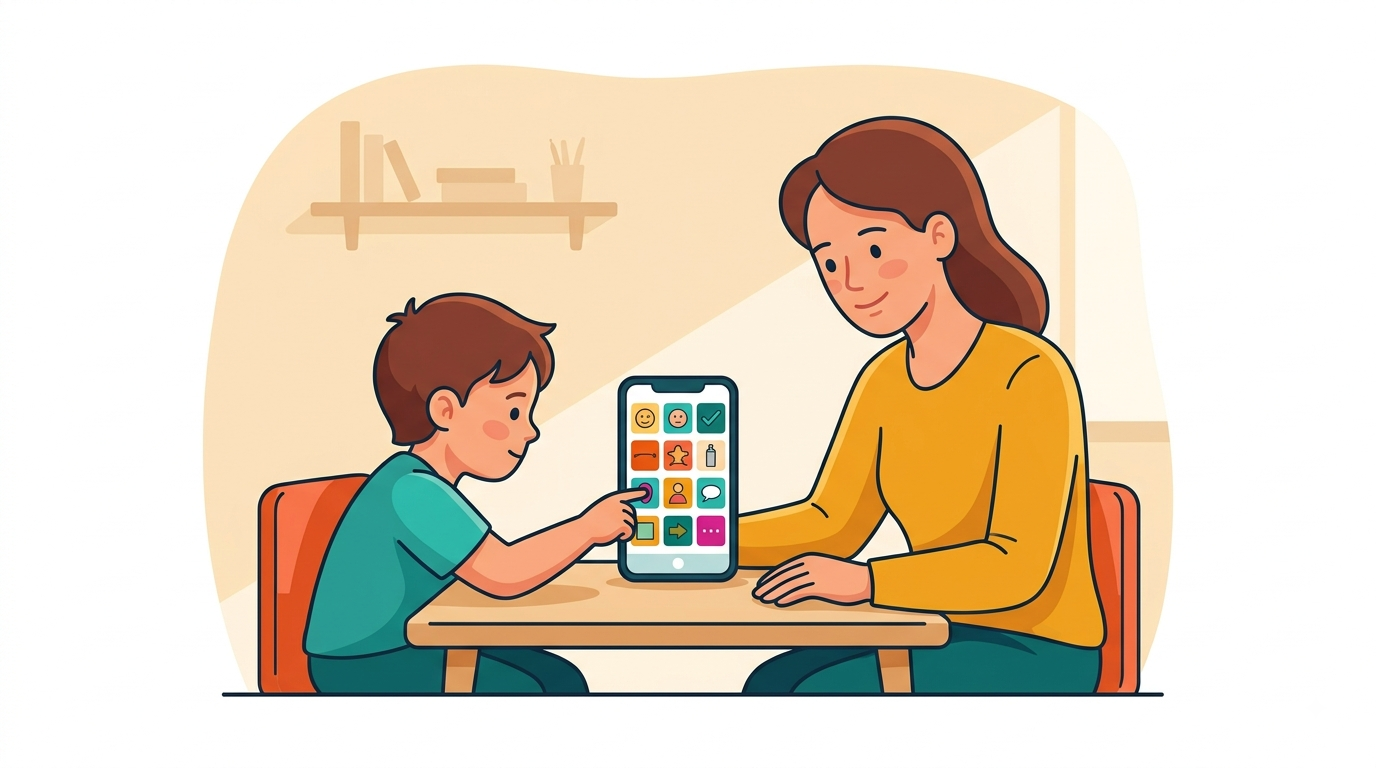
A child pressing a picture button on a phone held between them and their teacher, choosing what to say.
ONE PLATFORM, THREE SEATS

Built for the child, run by the teacher,
and read by the family.

STUDENT MODE — THE HEART OF IT

A voice, and a day that makes sense

Words in the child's own language, on high-contrast targets that stay in the same place every time, because a child's hands remember where a word lives. Then a picture schedule, a timer that shows waiting, a calm corner, and short stories for what is coming next: the parts autistic and anxious children use most, and most of them talk perfectly well. Child mode hands the whole screen to the child.

TEACHER VIEW

Strengths first, and never a diagnosis.

With one teacher and forty children, you can log a strength in a few taps and build a family report in minutes — always in plain words, and never with clinical labels.

How observations work →
BUILT FOR LOW-RESOURCE REALITY

The browser and a piece of paper

There is nothing to install, no server to run, and no IT budget to find. It works on the phones teachers already carry — and every board and report can be printed, so it reaches homes with no device at all.

The paper-out promise →
FIRST DIGITAL STEPS

Play sets: numbers, letter sounds, first taps, staying safe

First steps into digital and foundational learning — numbers, letter sounds, learning the device itself (tap, swipe, ask first), and a gentle safe-or-not game with no wrong-answer shame. It is for every child who is behind because the resources were missing, never because the ability was.

Try the play sets →
ACCESSIBILITY AS ARCHITECTURE

Rather than take our word that it's accessible, try the controls yourself.

These are the product's own controls. Flip them and watch the preview respond — every child-facing screen ships with them, because the child who needs the most contrast should never be the one left out.

Type is set in Atkinson Hyperlegible, designed by the Braille Institute for low-vision readers. We treat WCAG 2.1 AA as the baseline we build on, not as a special feature to point to.

Children with cortical visual impairment (CVI) see best with one clear object on a clean black background — so the Talk Board includes a library of 100 real photos made exactly that way (the CVI AAC Photoset by Adam Freygang, CC BY 4.0). As far as we know, no other classroom platform we know of has this.

“Today T. stayed with the group all afternoon — a strength worth telling his mother about tonight.”

water — spoken aloud
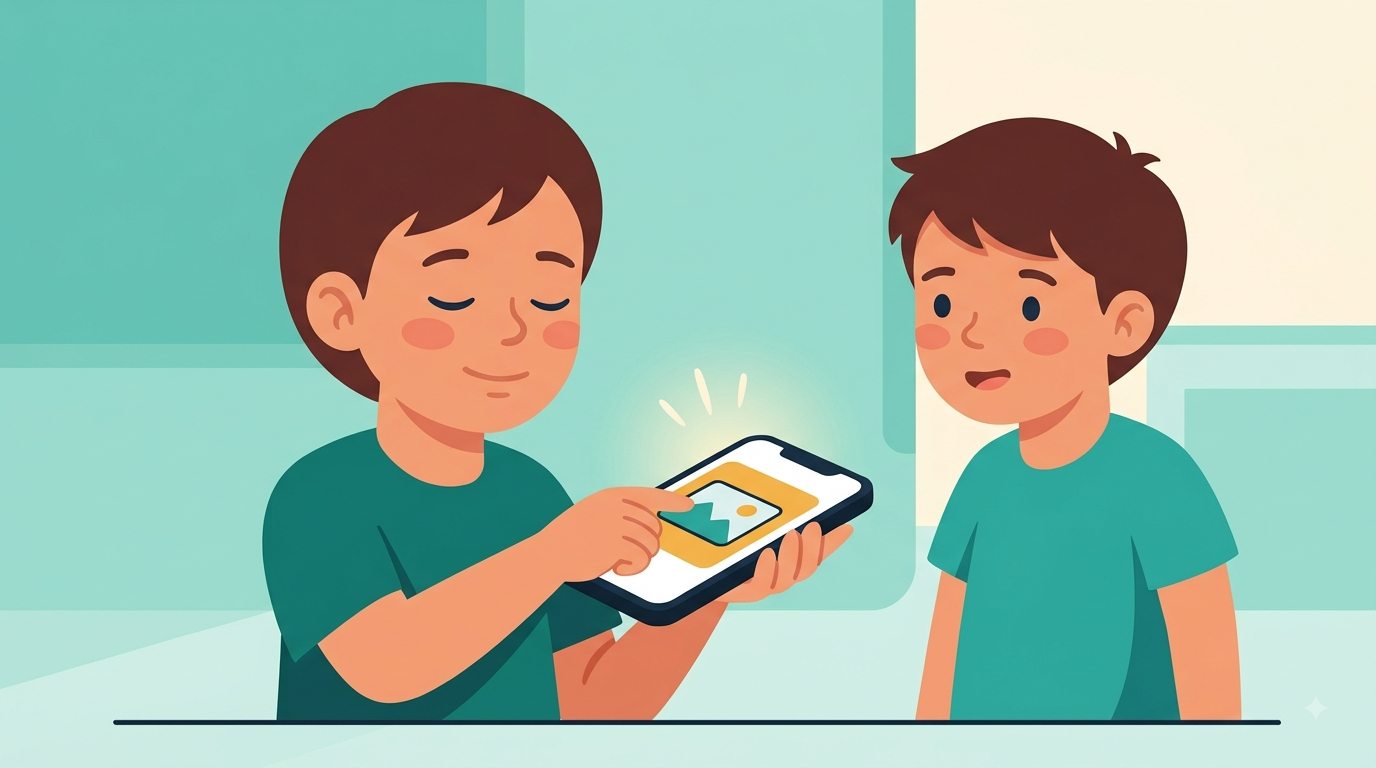
A child listening to a phone and touching one large button, using the board without looking at the screen.
THE FLAGSHIP PROOF

The same classroom week, two ways.

Everything here is clearly labeled demo data, with no real children — and that is a promise we take seriously, not a footnote.

ATTENDANCE — MON
32 present / 4 absent
reason: form lost
OBSERVATION — WED
“T. sat with the group today —”
(rest unreadable — water damage)
PARENT NOTE — FRI
photocopied ×34 · returned signed: 9
readable by parents: unknown
None of this is carelessness. It is simply what happens when one teacher has forty children and no tools to help them — and that is the gap BloomBridge is here to close.
Why no engagement rates or user counts? It is because we don't have verified numbers of our own yet, and we won't invent them. Once we have real pilot data, it will appear right here, sourced, alongside these.
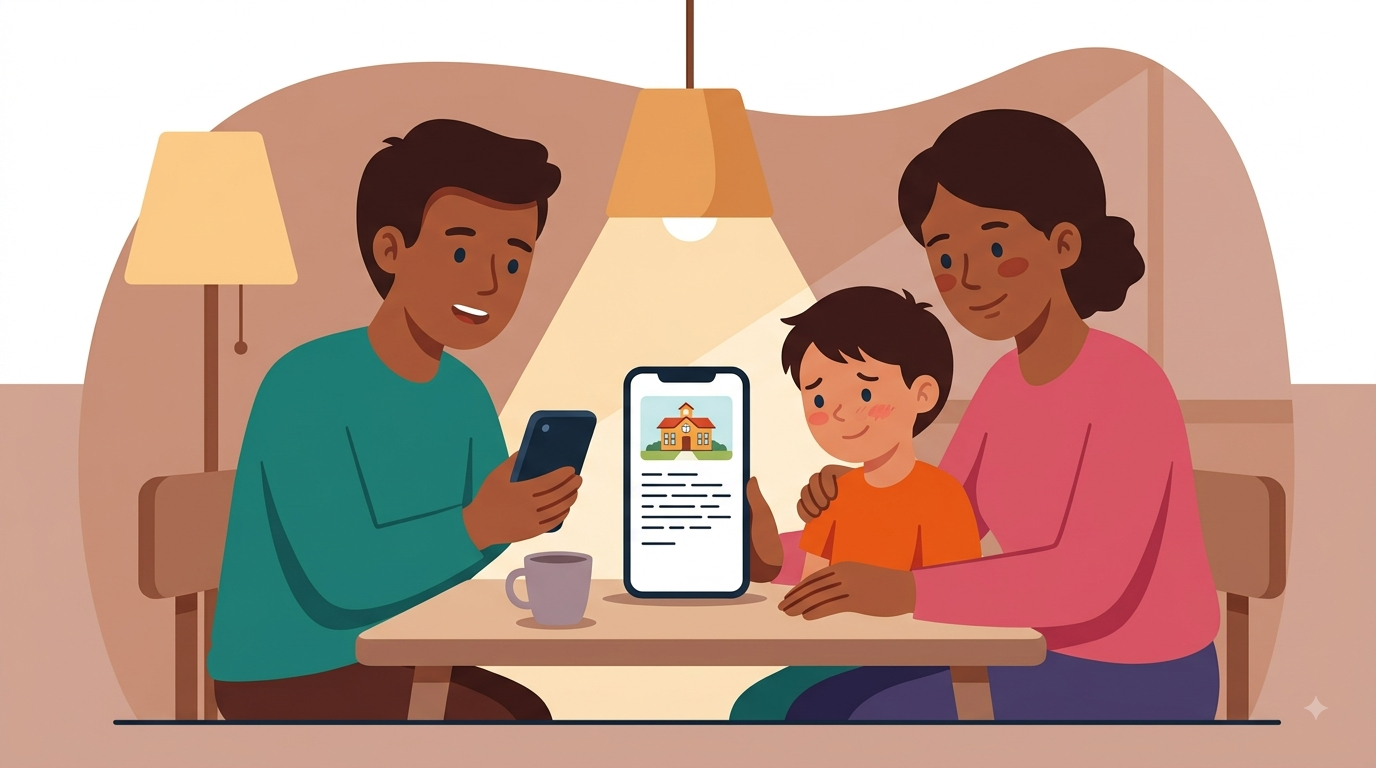
A family at home reading a short note from school on a phone, with their child beside them.
FOR NGOS, SCHOOLS & DONORS

Start with a single classroom, and try it this week.

BloomBridge requires no IT infrastructure and is designed to be simple for teachers to use. Schools, district programs, and NGOs can try it with a classroom and decide for themselves whether it's useful.

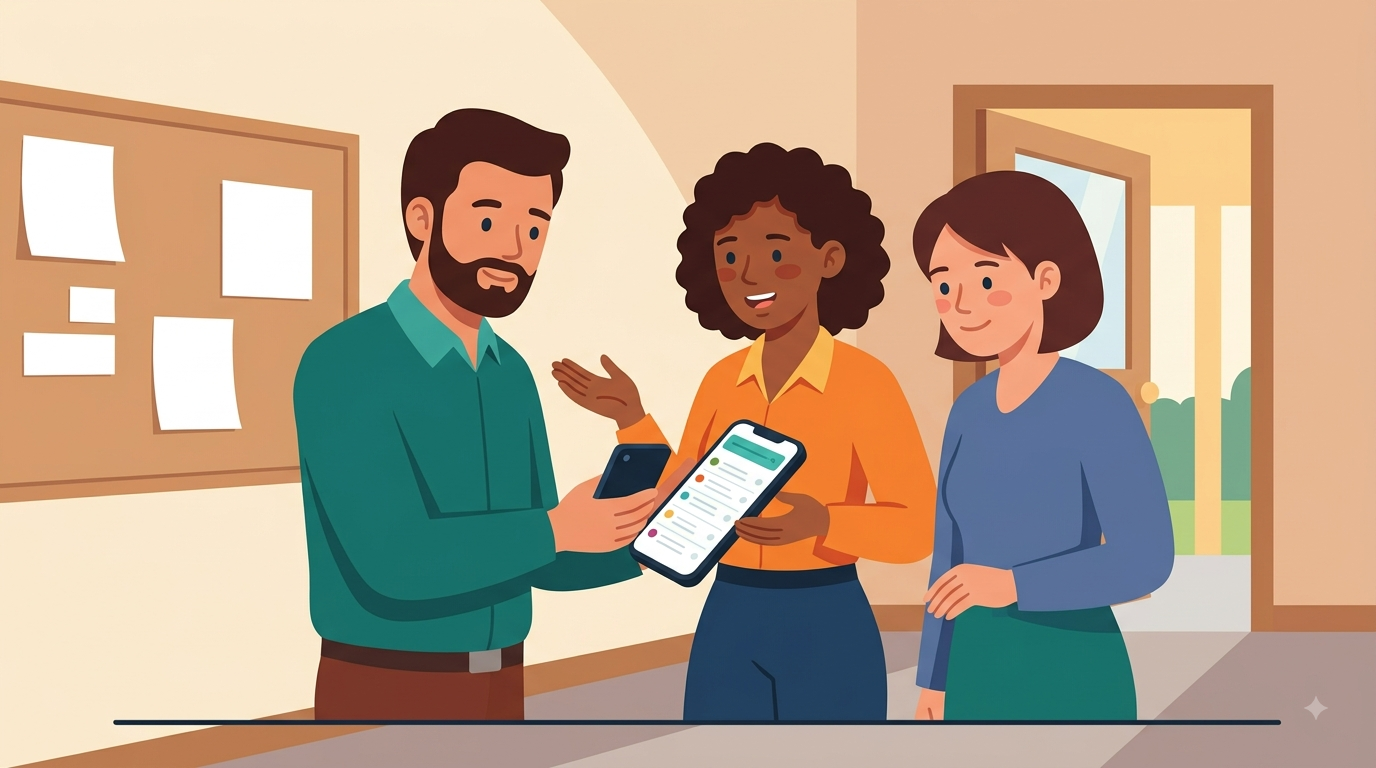
Three teachers between lessons, looking together at a phone showing a class list.